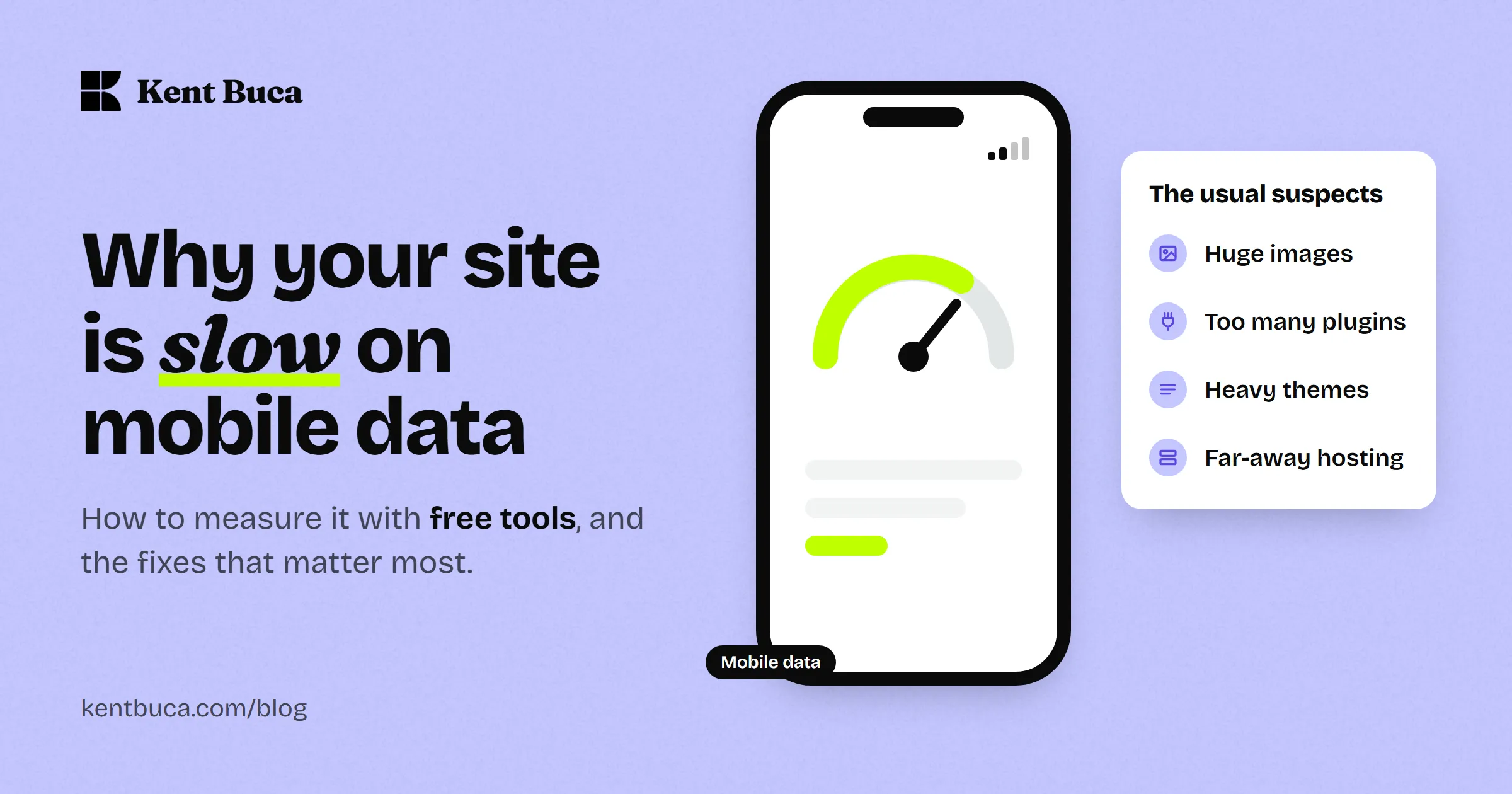
Your website might load fine on the office Wi-Fi and still crawl on a phone in a moving jeepney. That second experience is the one many of your customers have, and it’s the one Google measures.
A slow site loses visitors before they read a word, and it can hold back your rankings. The good news: most slow sites are slow for the same handful of reasons.
How to check your speed
Open PageSpeed Insights, paste in your homepage, and look at the Mobile tab. Two parts matter:
- Core Web Vitals. If your site has enough visitors, this section shows real data from Chrome users. It’s the most honest picture you’ll get.
- Diagnostics. The lab test below lists what’s slowing the page down, roughly in order of impact.
Google’s Core Web Vitals have three targets for a “good” experience:
- LCP (Largest Contentful Paint): the main content appears within 2.5 seconds.
- INP (Interaction to Next Paint): the page responds to taps within 200 milliseconds.
- CLS (Cumulative Layout Shift): the layout doesn’t jump around, with a score of 0.1 or less.
The usual suspects
Huge images
This is the most common problem by far. A photo straight from a phone or a stock site can be several megabytes. Resize images to the size they’re actually displayed at, and use modern formats like WebP or AVIF. This alone often cuts page weight in half.
Too many plugins and scripts
Every chat widget, popup, slider, tracking pixel and social feed adds code the phone has to download and run. On WordPress, plugins pile up over the years. Remove anything you don’t actively use, and question anything that loads on every page.
Heavy page builders and themes
Drag-and-drop builders make editing easy, but many of them load a lot of code for every page, whether that page needs it or not. A lightweight theme or a custom build is often dramatically faster.
Hosting that’s far away or underpowered
If your server is on the other side of the world, or on a very cheap shared plan, every request takes longer. Choose hosting with servers in or near Asia, or put your site behind a CDN so files are served from a location close to your visitors.
Too many fonts
Each font weight is a separate download. Two font families with a few weights is plenty. Self-host them if you can, and preload the ones used above the fold.
Quick wins you can do this week
- Compress and resize the images on your homepage and most-visited pages.
- Deactivate and delete plugins you don’t need.
- Remove sliders and autoplay videos from the top of your pages.
- Turn on caching, or ask your host how to.
- Test again in PageSpeed Insights and compare.
When a rebuild makes more sense
If your site is built on a heavy theme with years of plugins layered on top, there’s a limit to what cleanup can do. Rebuilding on a lean setup, whether that’s Astro for marketing sites or a carefully built WordPress site, can turn a slow site into one that loads in about a second.
This site is built that way. If you want to know where your own site stands, book a free call and I’ll walk you through what’s slowing it down and what would actually move the needle.